Appearance
Deleting Scans
You have several options for deleting a scan:
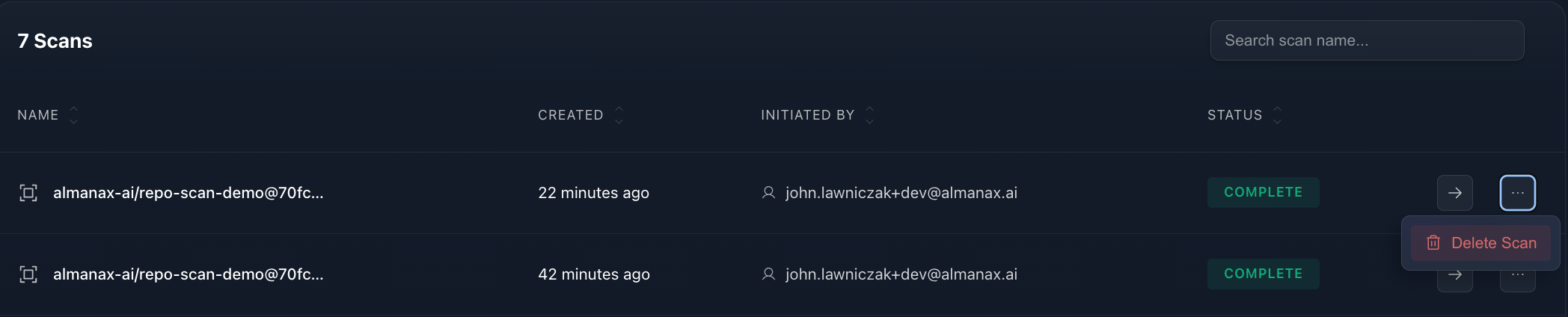
From the Project Page
- Go to the
Scanssection (located on the bottom) - Locate the completed scan
- Click the three dots icon … on the far right
- Select the
deleteoption
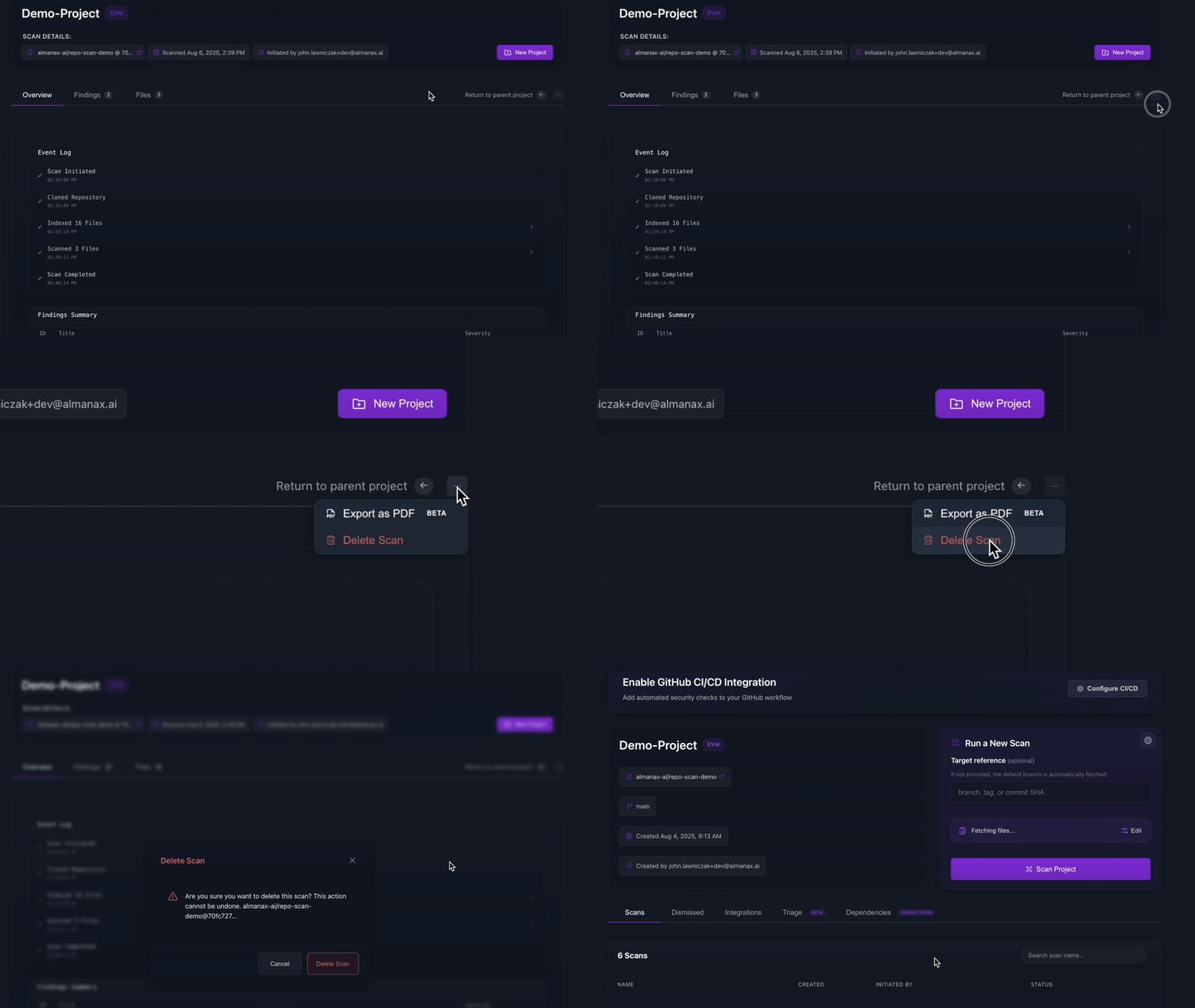
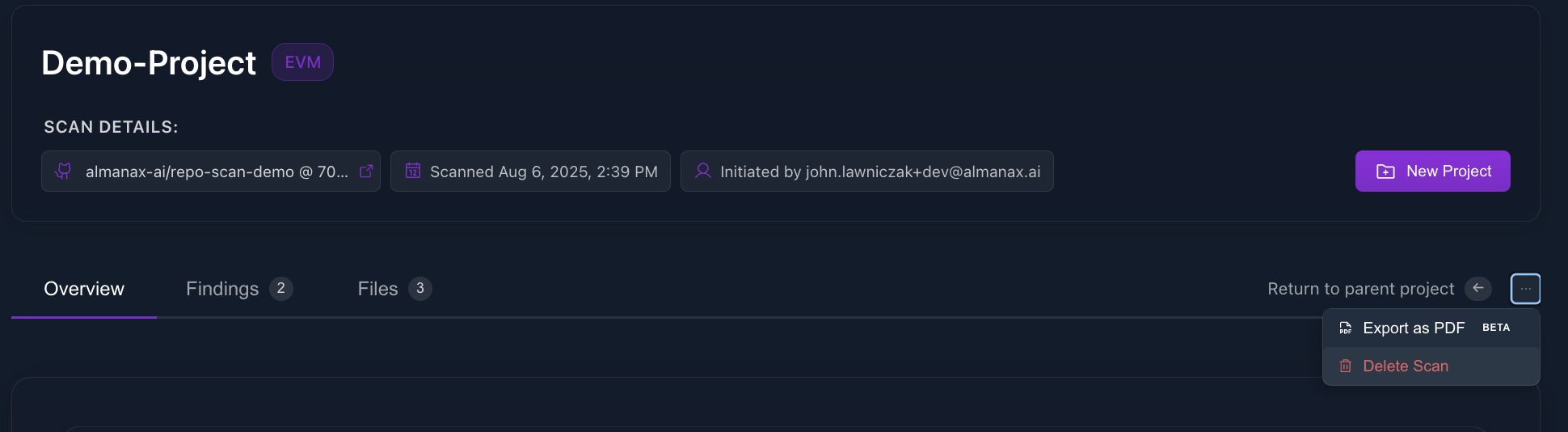
From the Scan Page
- Click the three dots icon …
- Select the delete option under the export PDF option or settings location
Deletion Policy
When a scan is deleted, it is soft-deleted—meaning it is removed from the user interface but not immediately and permanently erased from our systems.
Retention Period
- Deleted scans are retained for up to 30 days for internal purposes
- After 30 days, scans are permanently deleted
Recovery Options
- Recovery is not currently supported through the UI
- If you accidentally delete a scan and need to recover it:
- Contact support as soon as possible
- While we cannot guarantee recovery, we may be able to assist if the deletion was recent
WARNING
While scans can potentially be recovered within 30 days, it's best practice to export important results before deletion.
To delete an entire project, see Delete Project.