Appearance
Creating Organizations
This guide walks you through the process of creating a new organization in Almanax.
Organization Purpose
Your organization will be the home for all your projects and team members. It provides:
- A shared workspace for security scanning
- Team collaboration features
- Centralized management of projects and scans
Prerequisites
Before creating an organization, ensure you have:
- An Almanax account with a Premium or Enterprise subscription
- Administrator privileges on your account
Creation Process
- Click on your organization selector in the sidebar
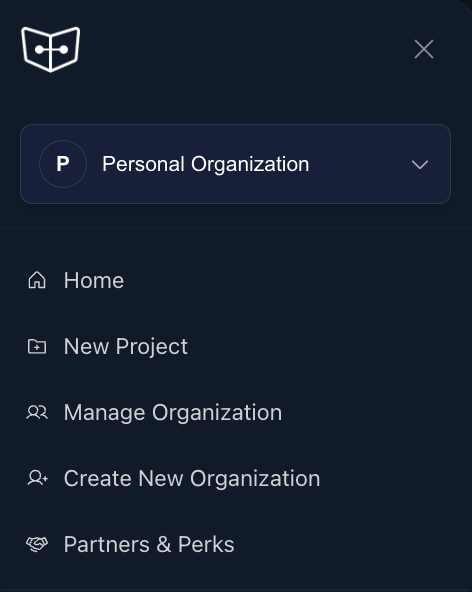
- Select "Create New Organization"
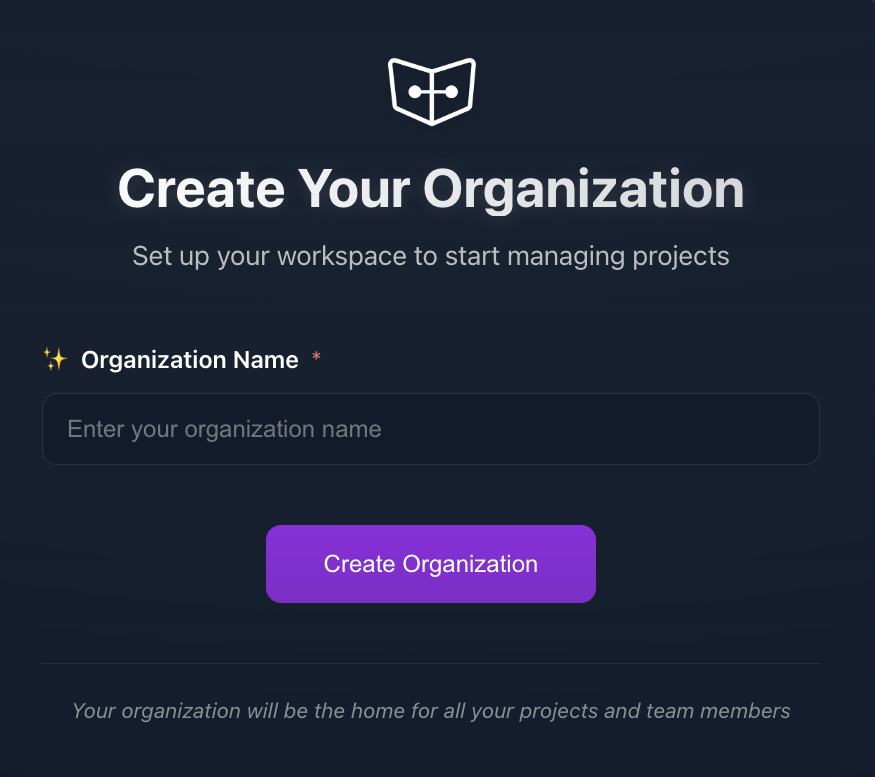
- You'll be taken to the organization creation page
Organization Details
On the creation page, you'll need to provide:
Organization Name: Choose a descriptive name for your organization
- The name should be unique and representative of your team or company
- This will be visible to all organization members
Click the "Create Organization" button to proceed
Next Steps
After creating your organization:
- Add team members to collaborate on projects
- Create your first project within the organization
TIP
For enterprise customers, we recommend creating standardized naming conventions for your organizations before you begin creating them.