Appearance
Threat Model
The Threat Model tab generates LLM security analysis of your project (architecture diagrams, data flows, trust boundaries, identified threats, and state invariants) based on your codebase.
Access
Threat Model is a premium feature. If you don’t see the Threat Model tab, your subscription may not include it.
Generate a Threat Model
When your plan includes Threat Model, Almanax will automatically start generating one after you create a project.
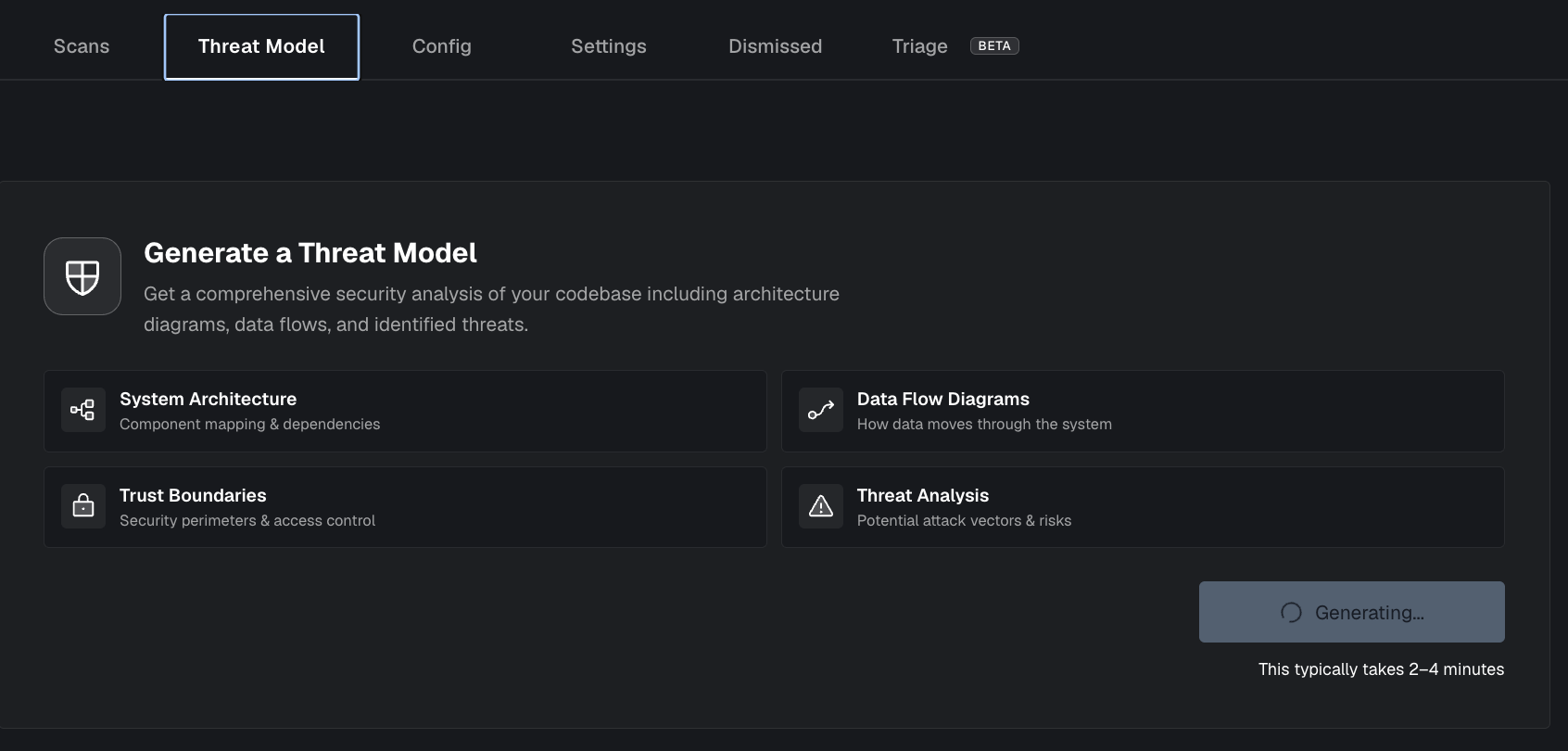
If you open the Threat Model tab and it hasn’t started (or you want to run it on demand):
- Open a project.
- Click the Threat Model tab.
- Click Generate Threat Model.
Generation runs asynchronously and typically takes 2–4 minutes.
Status updates
While generation is running you may see:
- Generating… / Regenerating… in the Threat Model tab
- A project header badge like Initializing Threat Model…
When generation completes you should see:
- The Threat Model content rendered with a Sections sidebar for navigation
- A project header badge like THREAT MODEL INITIALIZED
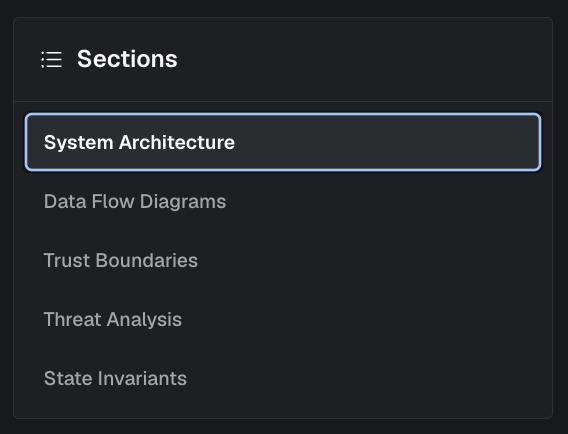
Threat Models Sections
- System Architecture
- Data Flow Diagrams
- Trust Boundaries
- Threat Analysis
- State invariants
System Architecture
A component-level view of your system and how major modules interact (services, contracts/programs, off-chain components, and external dependencies).
Data Flow Diagrams
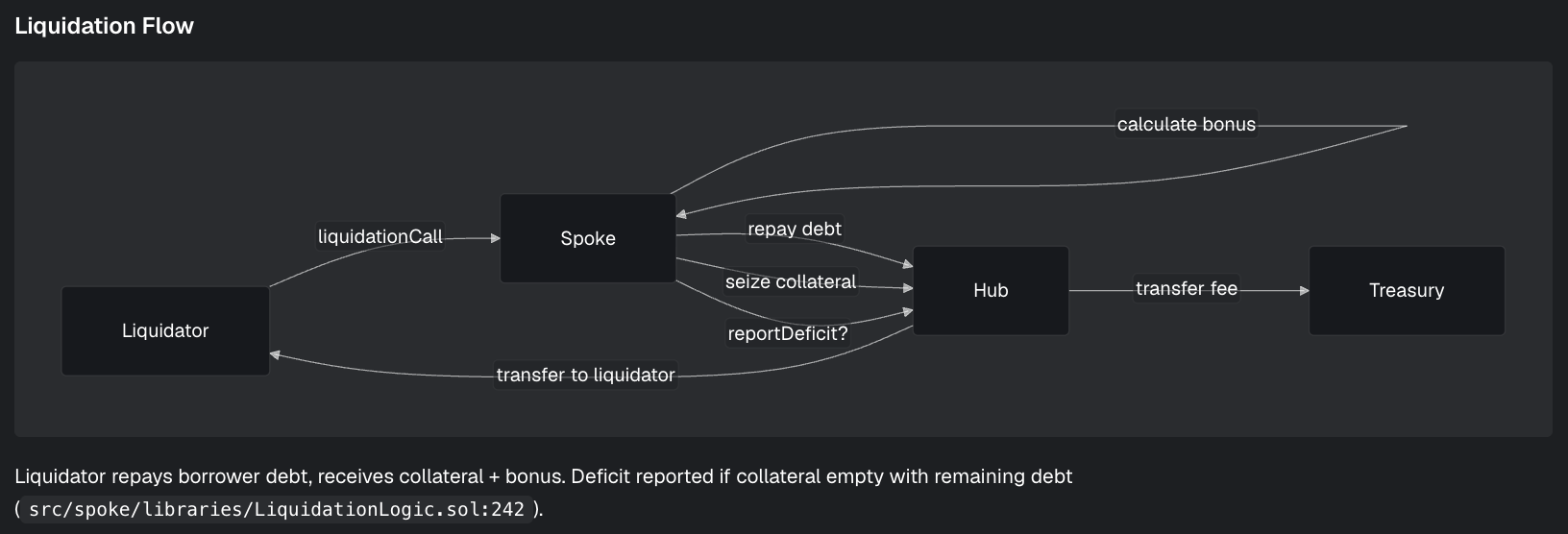
Key request/data flows through the system, including where sensitive data enters, transforms, and persists.
Trust Boundaries
Where security assumptions change (e.g., user ↔ API, off-chain ↔ chain, internal services ↔ third parties) and what controls enforce those boundaries.
Threat Analysis
Likely attack scenarios and risks mapped to the architecture and flows (what could go wrong, impact, and where mitigations should live).
State invariants
State invariants are facts that must always be true for your system to be secure and correct (e.g., “users can only access their own records”, “only admins can trigger withdrawals”, “a signature must be verified before processing”).
Regenerate
Use Regenerate after significant architecture or security changes to refresh the report.

Troubleshooting
- Stuck on generating: refresh the page and try again. If it continues, regenerate.
- Failed to generate: regenerate; if failures persist, contact support with the project name and approximate start time.